Designing your Sign:
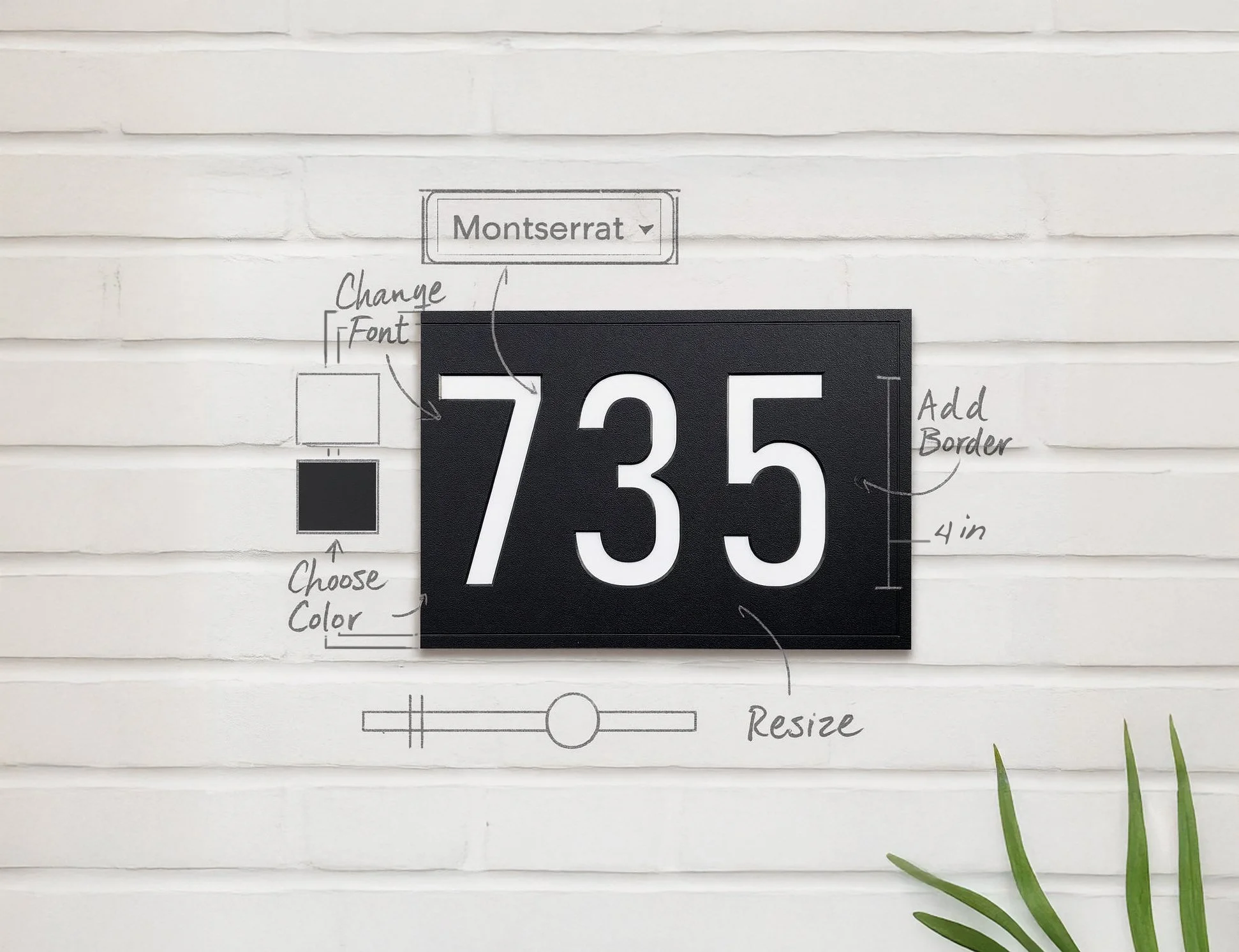
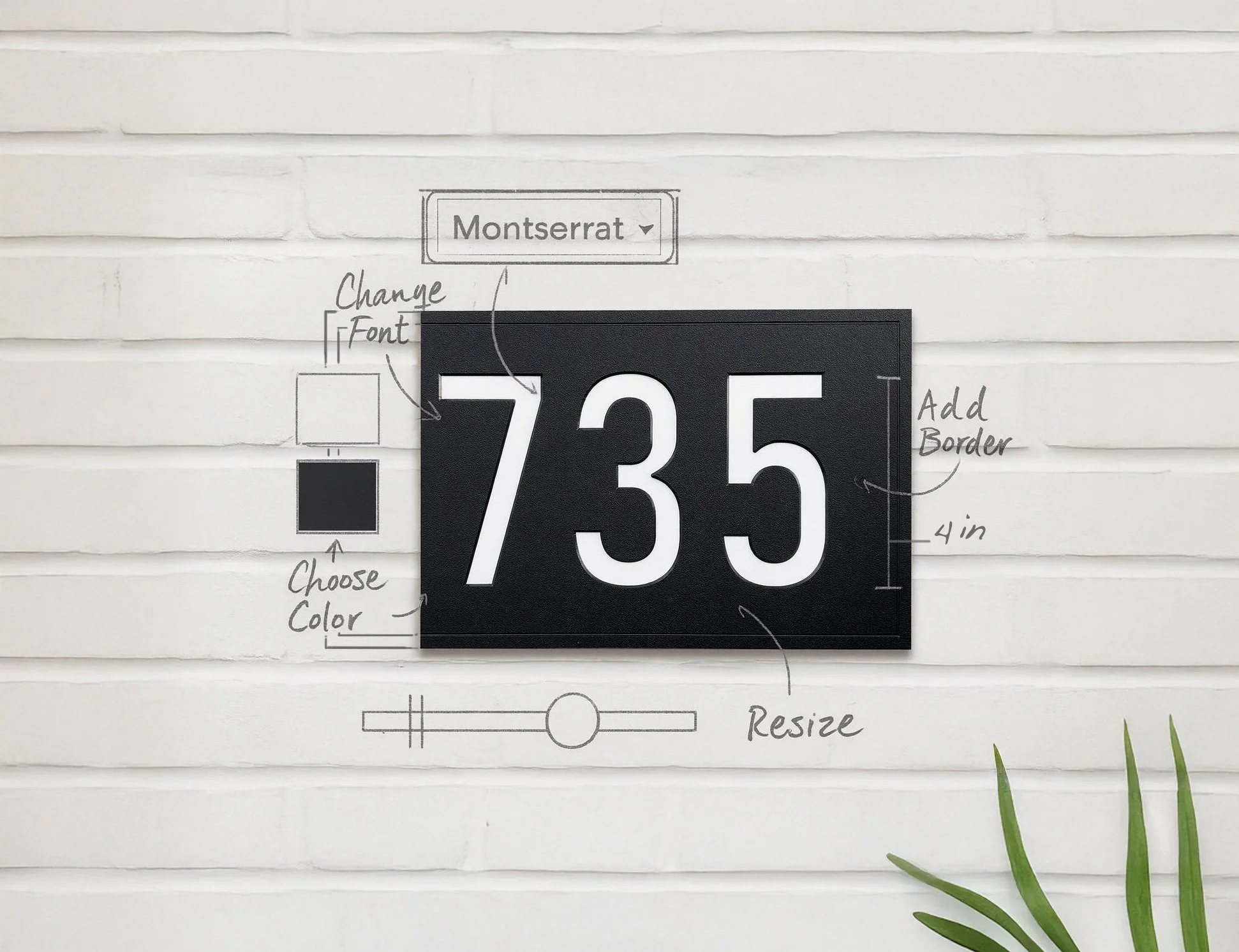
Choose your background color (Black or White).
Add a border if you’d like and adjust it with the sliders.
Select your font and enter your house number.
Fine-tune the text size, spacing, and position.
When you’re done: click “Copy Design Code” and paste that code into the contact form with your email.
Send us Your Design:
Use the form to provide us with an email address and paste your Design Code.
Choose whether to include mounting holes and submit your design.
We will email you to confirm the design and set up the custom order.
Preview & Play:
The design preview isn’t meant to be 100% exact — think of it as a sketch.
Have fun and don’t worry if isn’t perfect! We’ll properly align the text, add mounting holes and polish your layout before we make your sign.
Click Copy Design Code when you’re happy with the design.
Design your Address Sign
Design Your Perfect Sign
Use our interactive designer to create the perfect house number sign for your home!
Tap Design Mode on your Phone to start designing.
Designing your Sign:
Choose your background color (Black or White).
Add a border if you’d like and adjust it with the sliders.
Select your font and enter your house number.
Fine-tune the text size, spacing, and position.
When you’re done: click “Copy Design Code” and paste that code into the contact form with your email.
Preview & Play:
The design preview isn’t meant to be 100% exact — think of it as a sketch.
Have fun and don’t worry if isn’t perfect! We’ll properly align the text, add mounting holes and polish your layout before we make your sign.
Once you’re happy with
your design ↓
Send us your Design Code
We will email you to confirm the design and set up the custom order.
Loads an existing design. To submit your Design Code to us, use the field in the Contact Form.
For more resources and detailed guides, check out our Blog
-
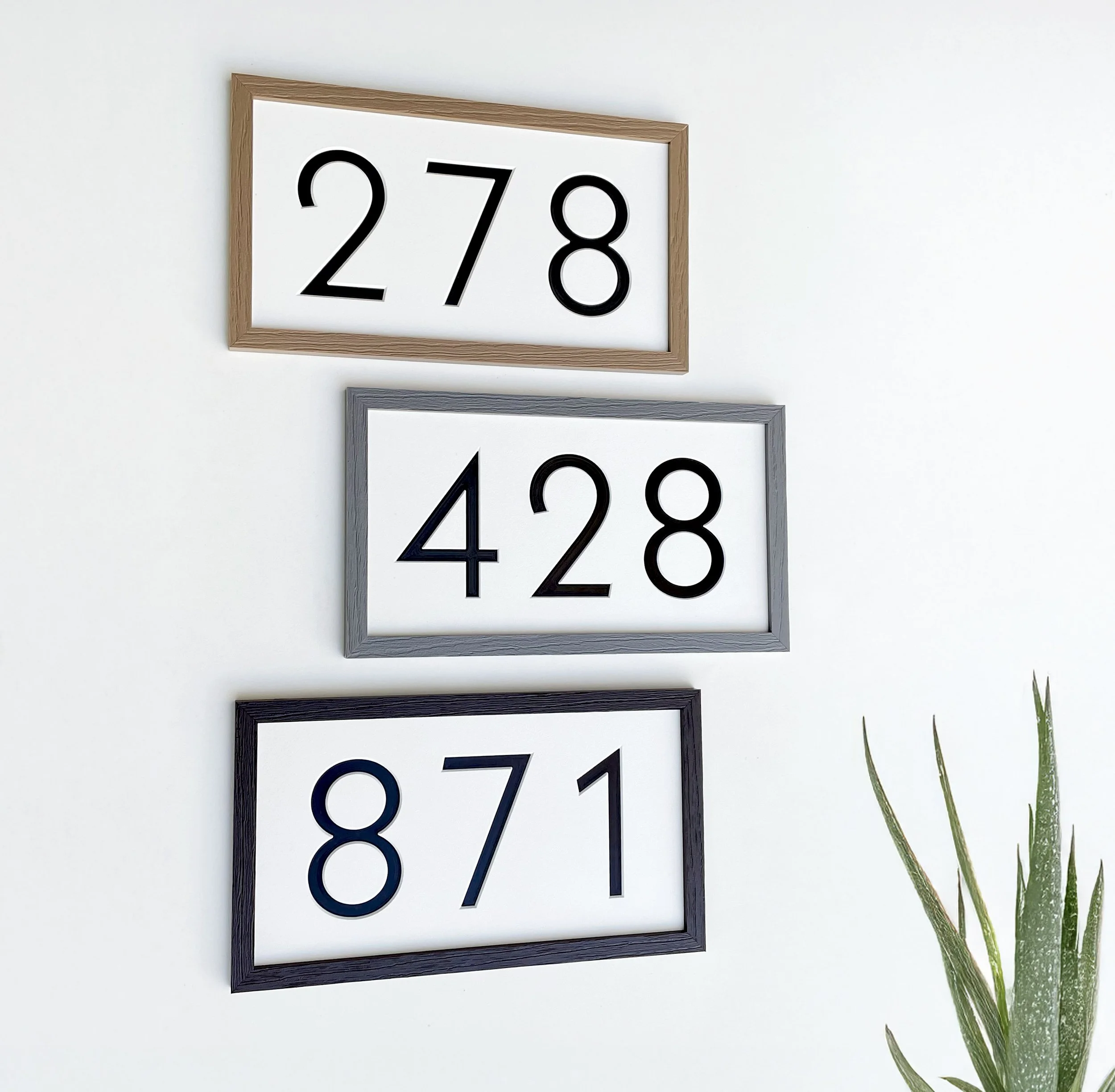
![modern address sign with frame weatherproof address signs]()
Why Materials Matter
Learn more about the weatherproof materials we use and why a Thomas Design Co. sign is built to last
-
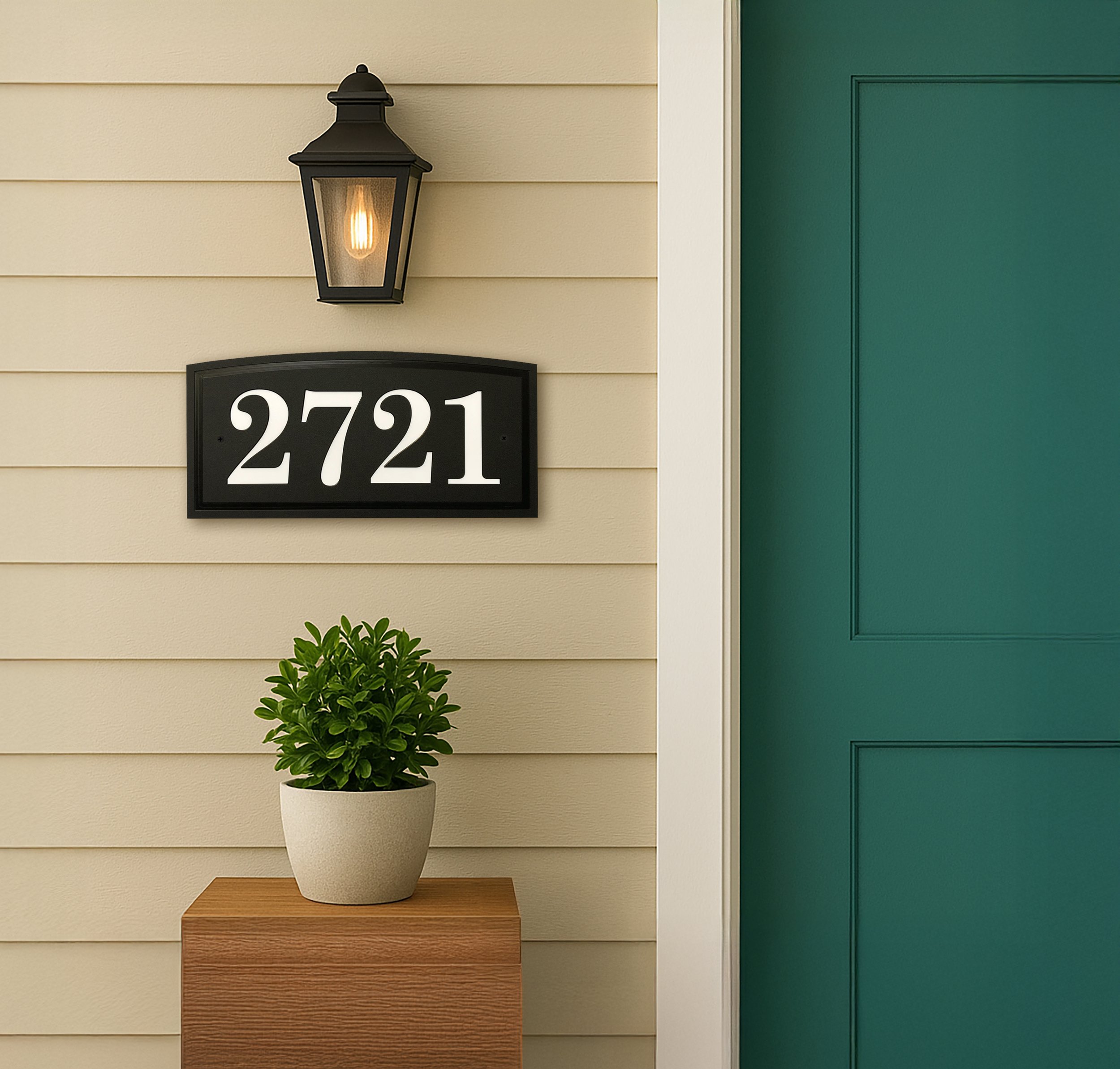
![black address sign with white numbers with an arched profile and traditional font]()
Modern, Traditional or In-Between
How to choose the right house number to compliment your home
-
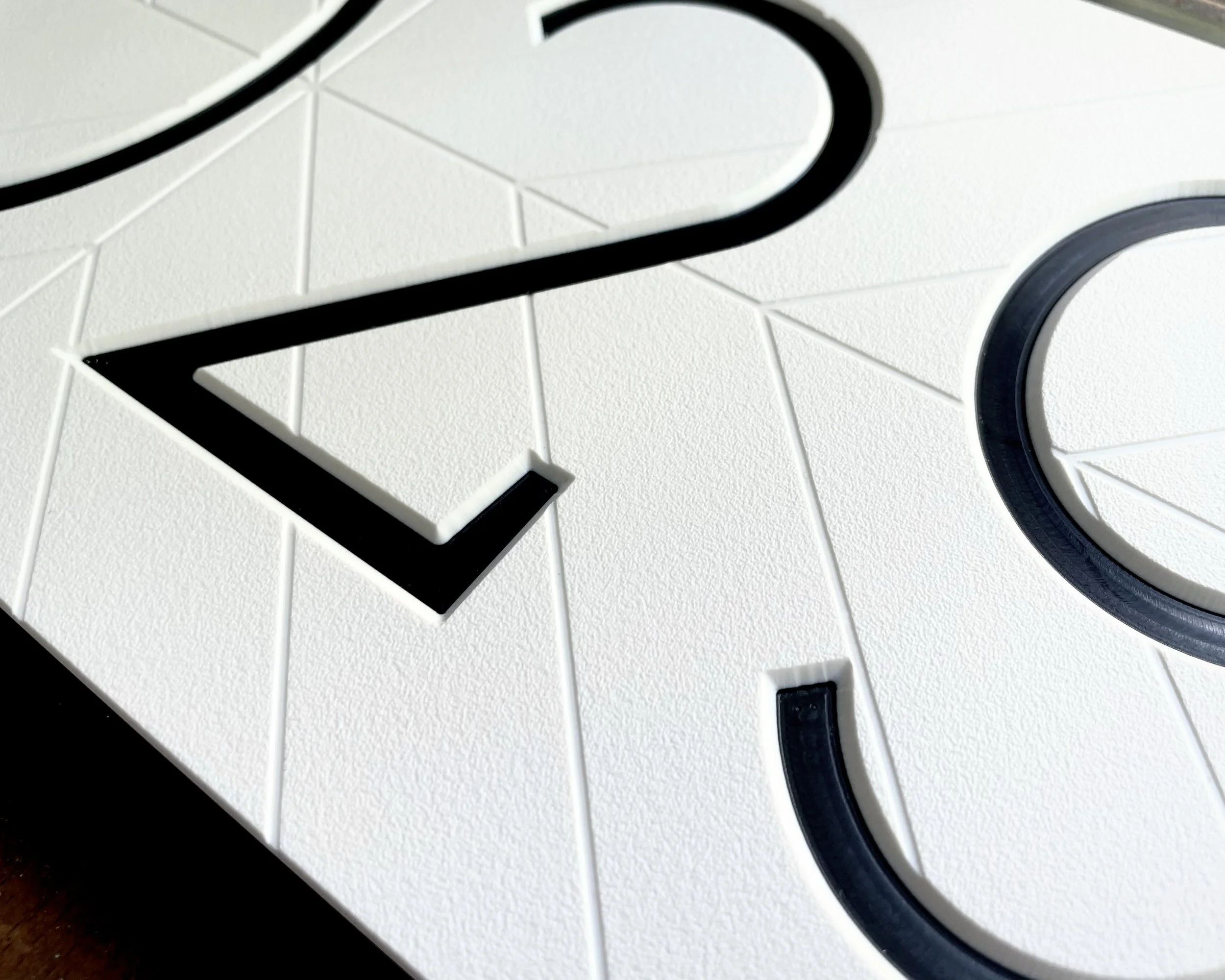
![Details of a modern house number sign. Black letters on a white herringbone plaque]()
How to Clean Our Signs
A quick clean with simple household materials is all it takes to keep your sign looking like new.
-
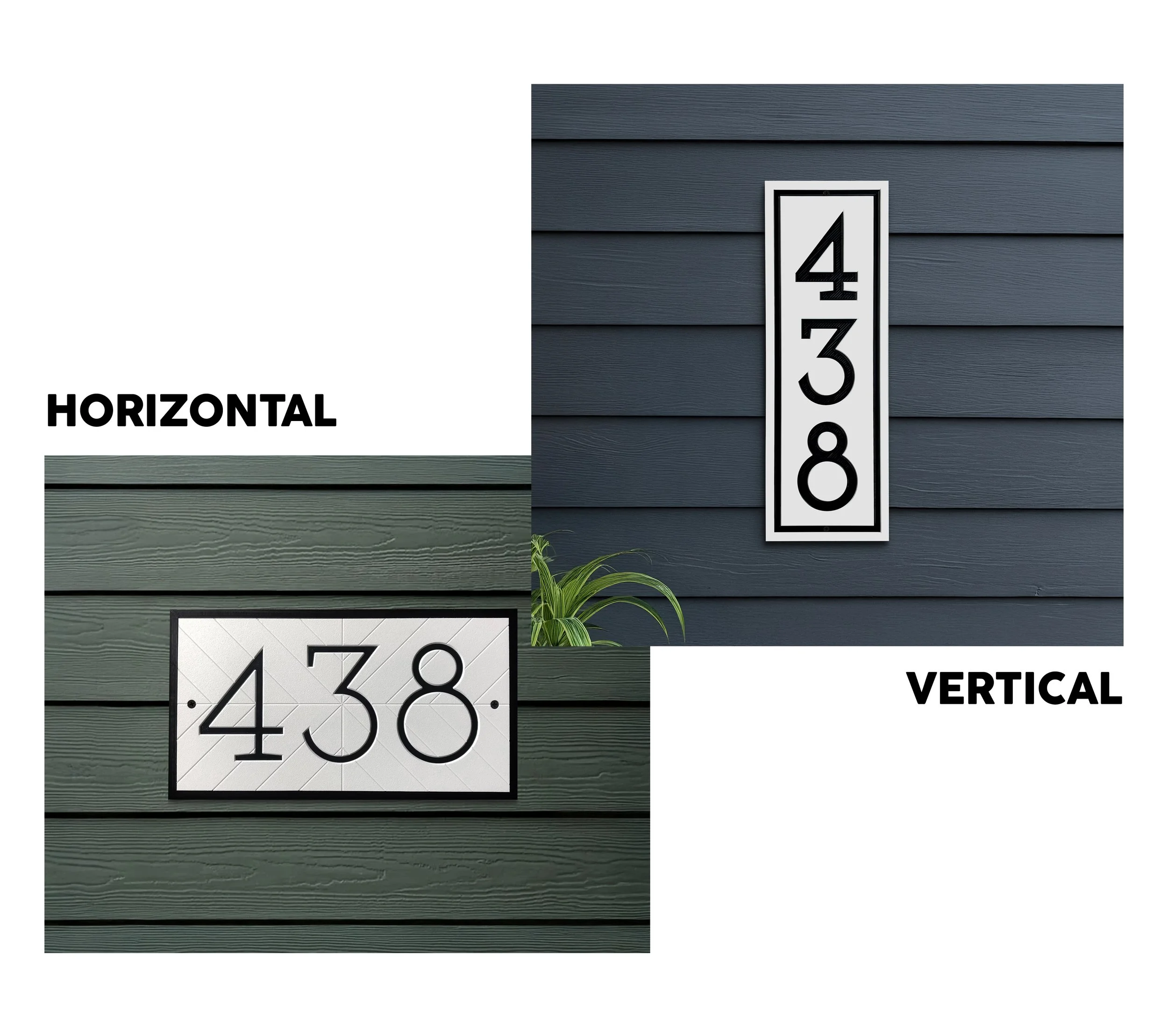
![Vertical and Horizontal House Number Signs]()
Choosing Horizontal or Vertical
How to Choose the Best Style for Your Porch or Entryway
-
![Design your custom address sign - Thomas Design Co.]()
Design your Custom Address Sign
A real-scale preview of your address sign — designed by you, with production accuracy in mind.
-
![Three stacks of blue address signs with white text.]()
Making a Bulk Order
A Guide for Contractors & Property Managers