
Design your House Number Sign - Instantly
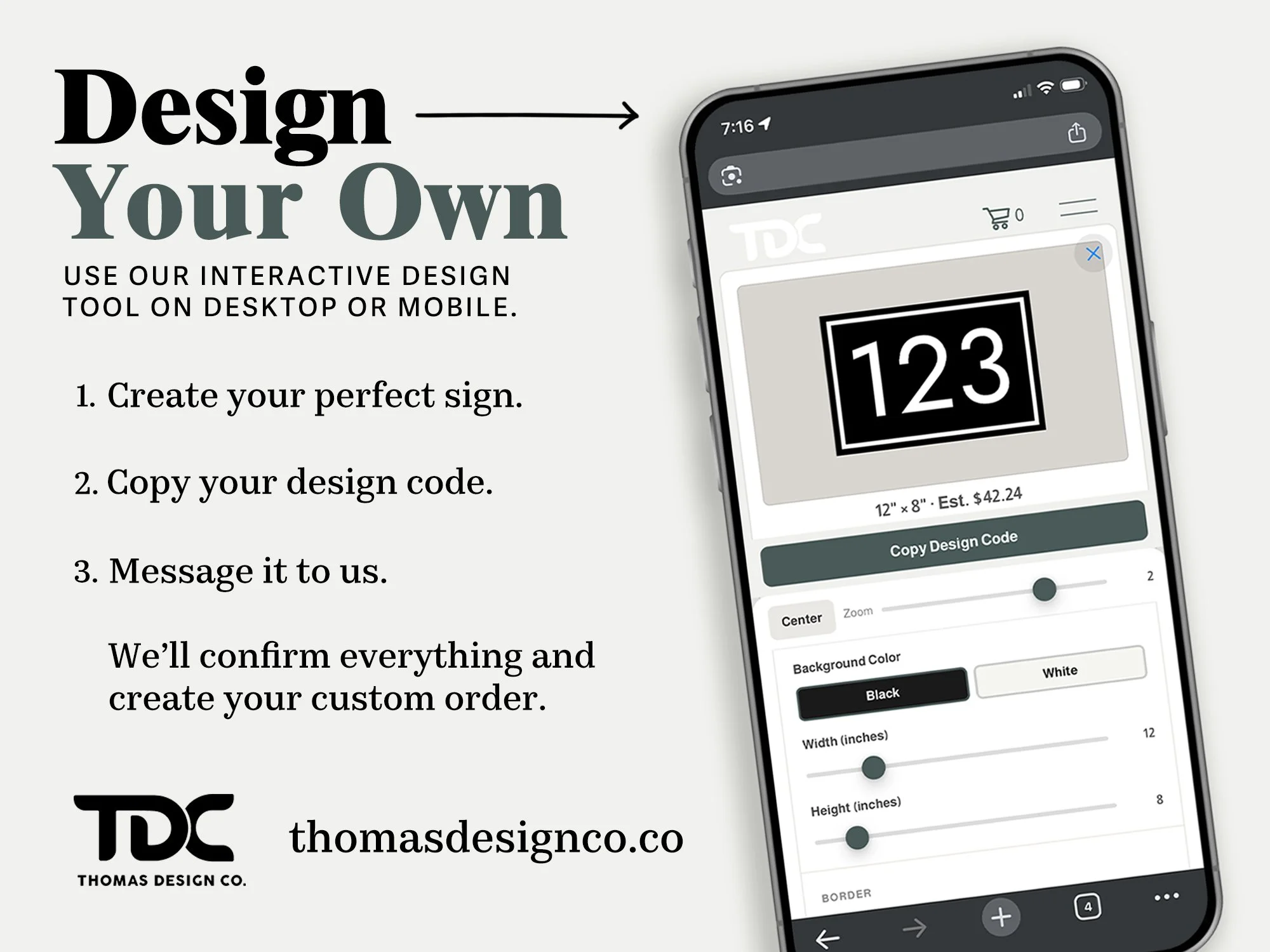
Enter your address, choose your style, and see your sign — with real-scale preview and instant pricing — before you ever place an order.
We’ve just launched a new interactive sign design tool on our website — built to make designing your house number sign intuitive, fast and fun.
This tool lets you explore layouts, proportions, fonts, and borders in real time, so you can see how your sign will look before it goes into production.
Customize your address sign online and watch changes update instantly. See real-time pricing, preview your design and experience a tool optimized for both desktop and mobile — simple, fast, and fun!
Designed for clarity — not guesswork
The sign designer was built around one simple idea:
What you see on screen should reflect what we make in the shop.
Using the tool, you can:
Adjust sign width and height
Choose fonts and orientation
Add or remove a border
Fine-tune spacing and alignment
See a price that updates with your changes
Everything updates live, so you’re never guessing how a change will affect the final look.
A Great Tool for Property Managers, Contractors & HOA Communities
Managing address signage across multiple units? Our design tool makes it easy to spec, preview, and price consistent address signs for entire developments — all in one place. Create a uniform look across every unit, generate design codes for each address, and order with confidence knowing exactly what you’ll receive. Whether you’re outfitting a new condo build, a managed community, or a renovation project, Thomas Design Co. handles bulk address signage with the same care and precision we bring to every individual order.
Designed to work just as well on your phone
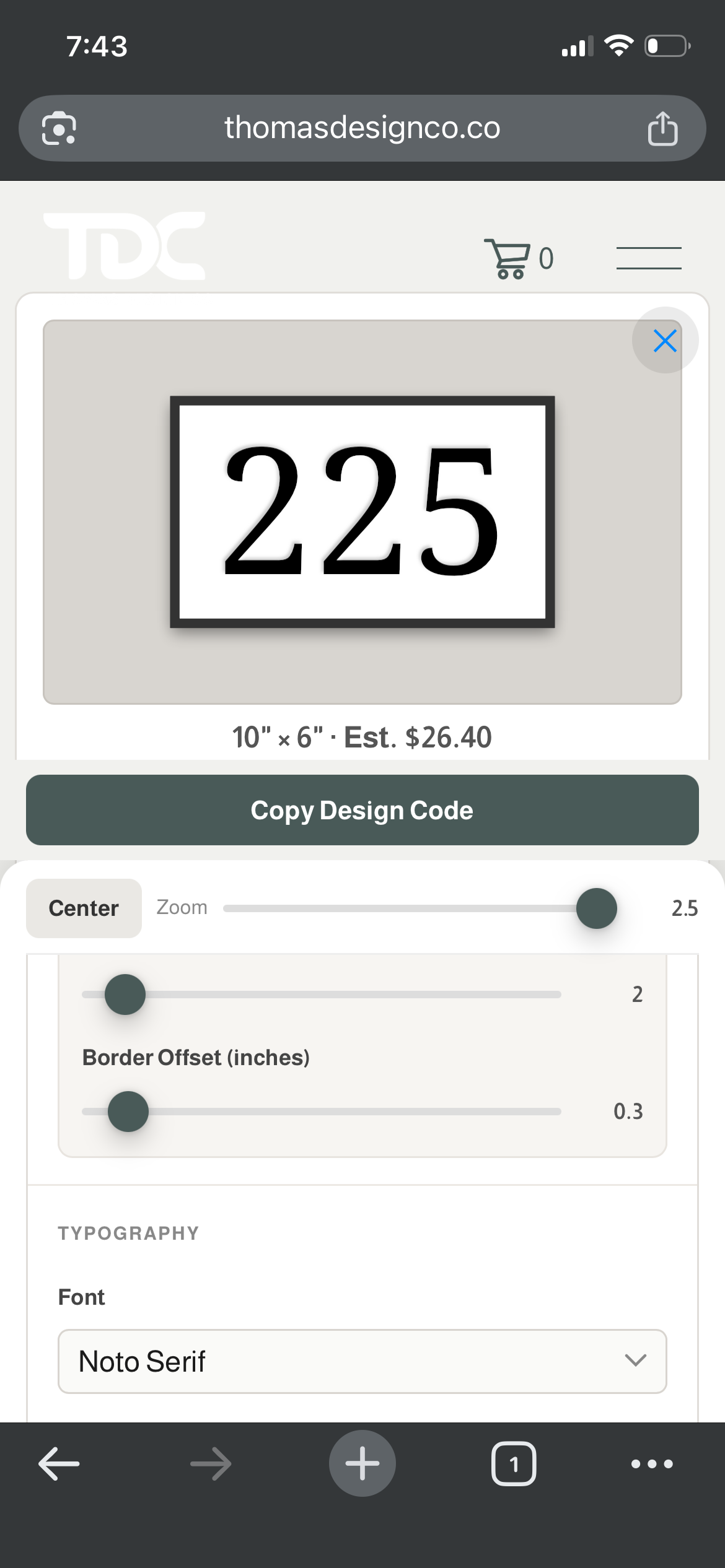
We refined the mobile experience.
On phones, the tool switches to a Design Mode interface:
The preview stays front and center
Controls slide up only when you need them
Adjustments are easy to make without losing context
Try it yourself
If you’re considering designing a custom house number sign, we invite you to try the new design tool and explore the many custom options.
Use the design tool to explore proportions, spacing, and layout in real time. Small adjustments can make a meaningful difference and this tool makes those decisions visible before anything is made.